

Tips for Creating a Productive Home Office Environment
Working from home offers flexibility and comfort, but it also comes with challenges when it comes to staying focused and productive. Creating a home office environment that supports your work habits can make a big difference in your daily efficiency and overall job satisfaction. Here are practical tips to help you design a productive home office space that works for you.
Choose the Right Location
Selecting the ideal spot for your home office is the first step to productivity.
– Quiet and Private: Pick a space away from household noise, distractions, and foot traffic.
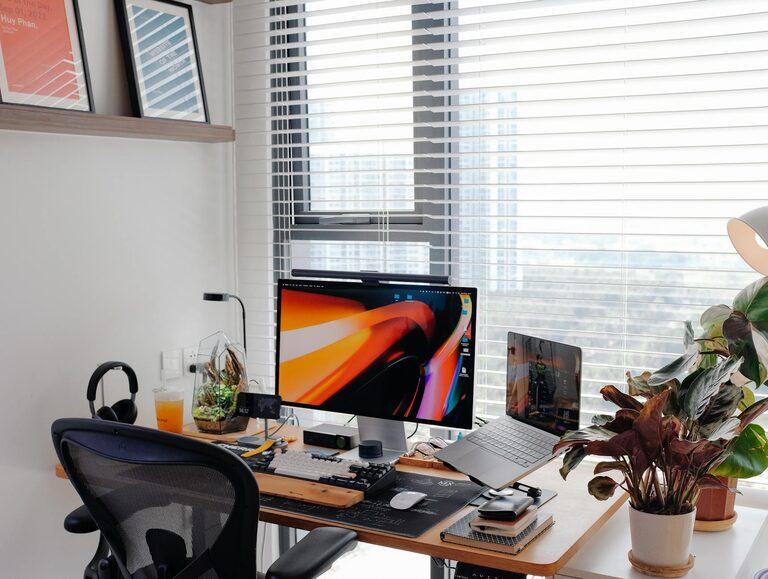
– Natural Light: A location near a window can improve mood and reduce eye strain.
– Dedicated Workspace: Avoid areas that are multi-purpose, like the kitchen table, to help separate work from home life.
Invest in Comfortable and Functional Furniture
Comfort and ergonomics matter when you spend hours working at a desk.
– Ergonomic Chair: Choose a chair that supports your back and encourages good posture.
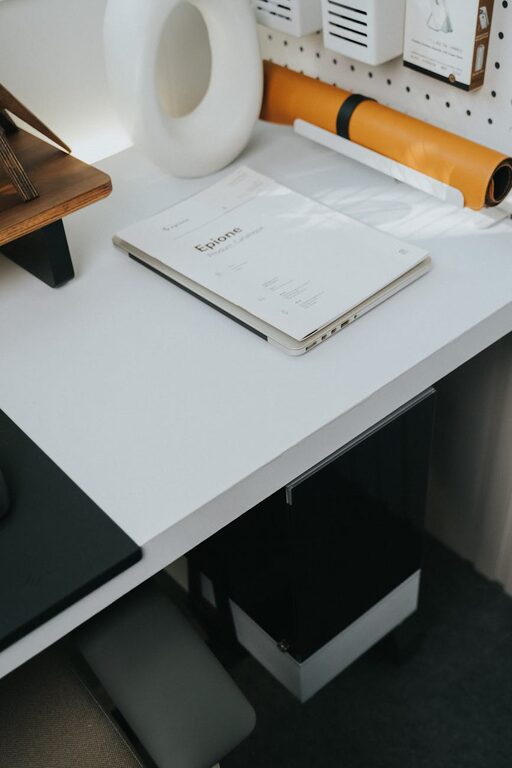
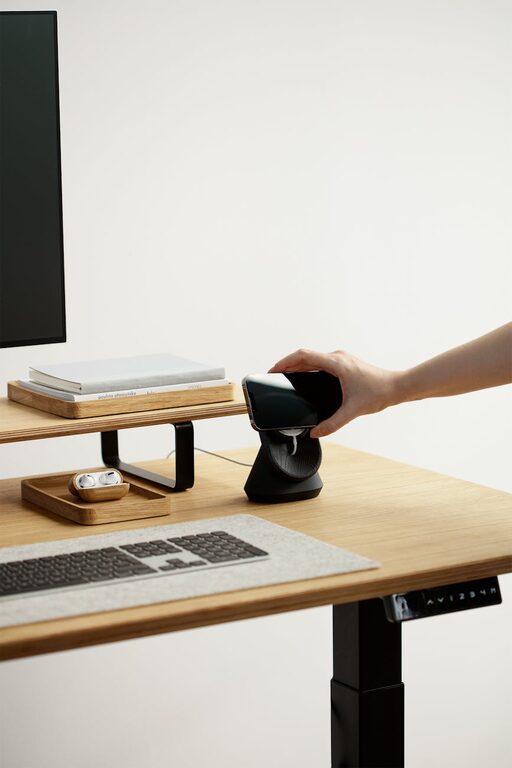
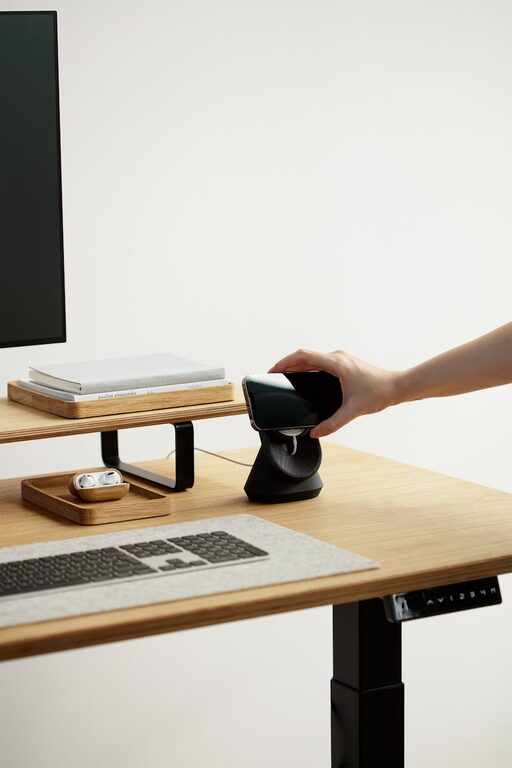
– Desk Size: Make sure your desk has enough surface area for your computer, documents, and necessary tools.
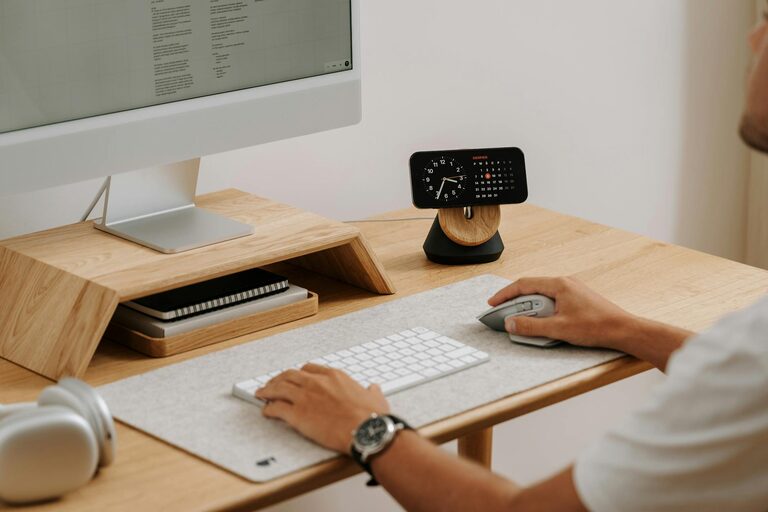
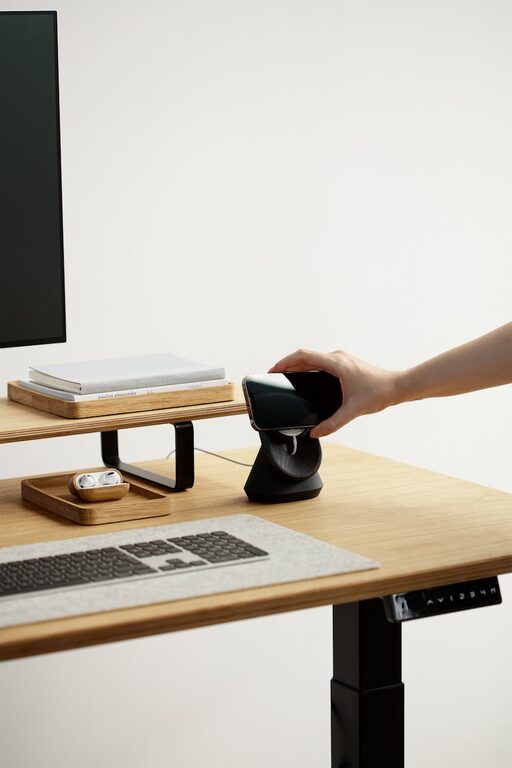
– Monitor Position: Place your screen at eye level to reduce neck and eye strain.
Organize Your Workspace Efficiently
An organized office lets you focus better and saves time.
– Declutter Regularly: Remove unnecessary items to keep your desk clean.
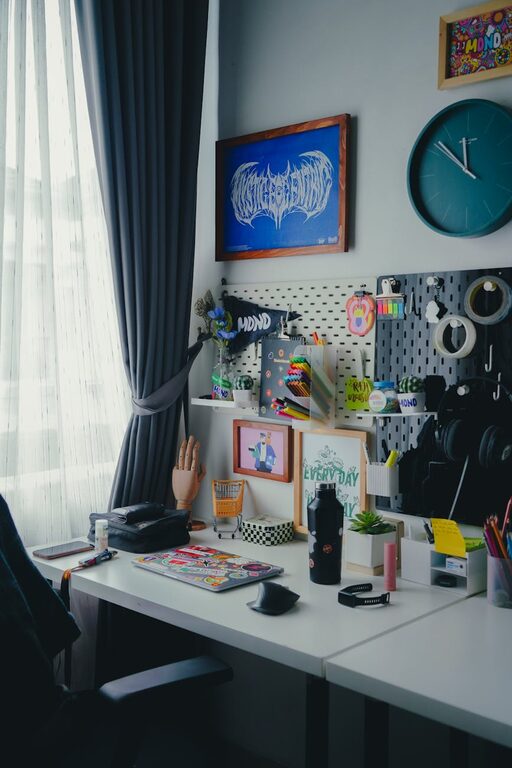
– Storage Solutions: Use shelves, drawers, or boxes to store supplies neatly.
– Cable Management: Use clips or ties to organize cables and keep your area tidy.
Optimize Lighting
Proper lighting reduces eye fatigue and sets a positive tone.
– Natural Light First: Position your desk to take advantage of daylight.
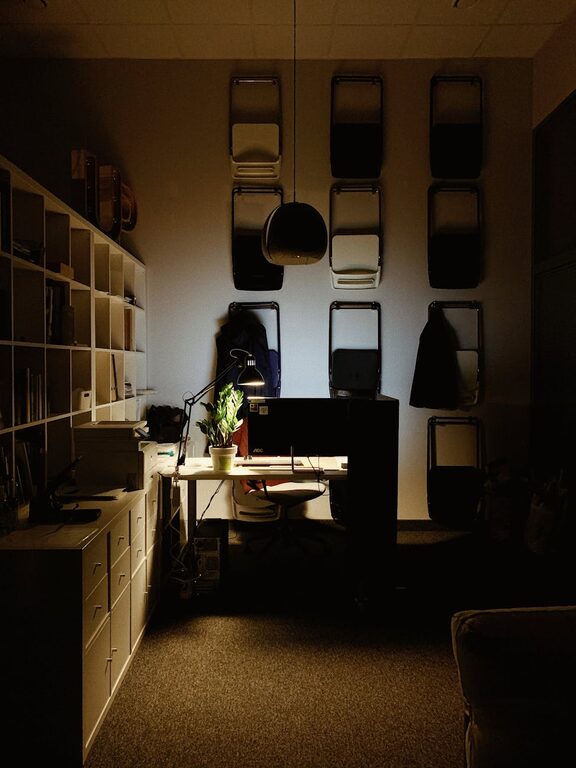
– Task Lighting: Use adjustable desk lamps for focused work areas.
– Avoid Glare: Place screens perpendicular to windows to prevent reflections.
Minimize Distractions
Reducing interruptions helps maintain concentration.
– Set Boundaries: Communicate your work hours to family members.
– Turn Off Notifications: Silence unnecessary phone or computer alerts during work time.
– Use Noise Control: Consider noise-canceling headphones or white noise machines if needed.
Personalize Your Space
Adding a touch of personality can make your workspace more inviting.
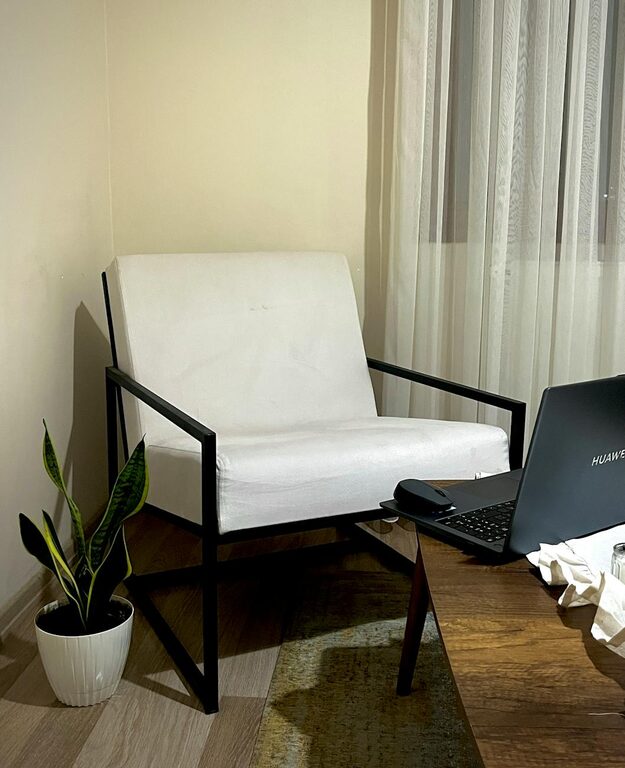
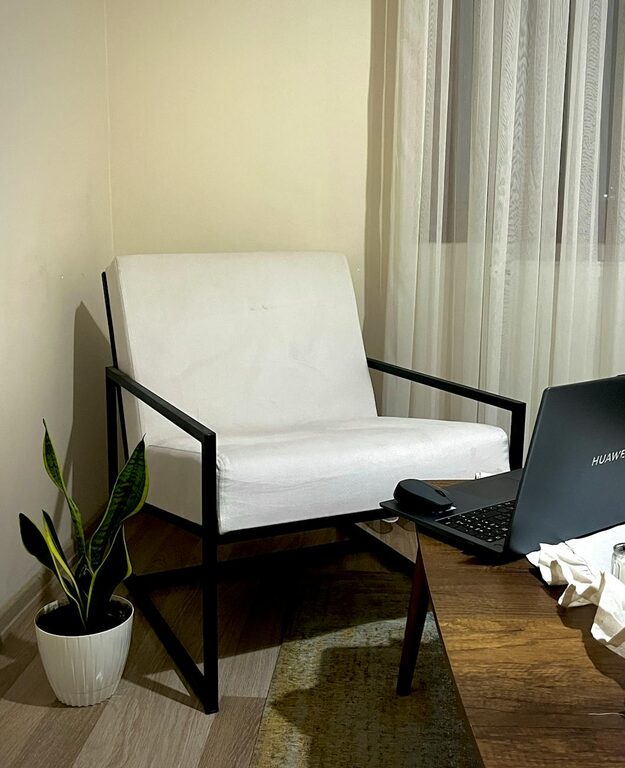
– Plants: Indoor plants improve air quality and add a calming presence.
– Artwork and Photos: Display images that inspire or relax you.
– Color Scheme: Use colors that boost focus, such as blues or greens.
Establish a Routine
Consistency supports productivity and work-life balance.
– Set Work Hours: Keep regular start and end times.
– Take Breaks: Schedule short breaks to stretch and recharge.
– Dress for Work: Dressing as if you are going to the office can set a professional mindset.
Use Technology Wisely
The right tools can streamline your workflow.
– Reliable Internet: Ensure a strong connection for video calls and cloud-based work.
– Productivity Apps: Use calendars, to-do lists, or time trackers to stay organized.
– Backup Solutions: Regularly save your work to avoid data loss.
Maintain Good Air Quality and Comfort
Comfort impacts alertness and health.
– Ventilation: Open windows to circulate fresh air.
– Temperature: Keep the room at a comfortable temperature.
– Humidity Levels: Use a humidifier or dehumidifier if necessary.
Final Thoughts
Creating a productive home office is about blending comfort, organization, and good habits. Tailor your environment to your needs, and don’t be afraid to adjust as you discover what works best for you. A well-designed space will help you stay focused, motivated, and productive every day.