

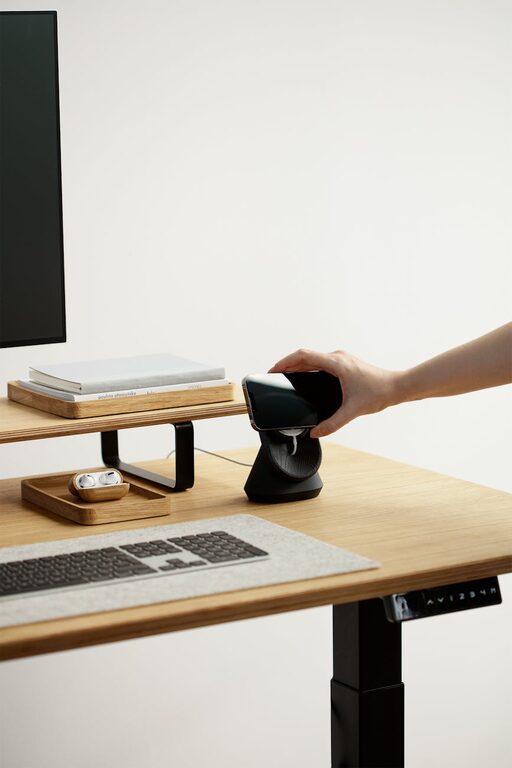
Tips for Creating a Cozy and Functional Home Office Setup
Creating a home office that is both cozy and functional can significantly improve your work-from-home experience. A well-designed workspace helps maintain focus, encourages good posture, and creates a pleasant environment where you want to spend time. Whether you are setting up a new office or improving an existing one, these tips will guide you in creating a space that suits your needs and style.
Choose the Right Location
Find a Quiet Spot
Select a location that minimizes distractions. If possible, choose a room with a door to separate your work area from the rest of the house. If a separate room isn’t available, try to design a specific corner or nook dedicated to work.
Consider Natural Light
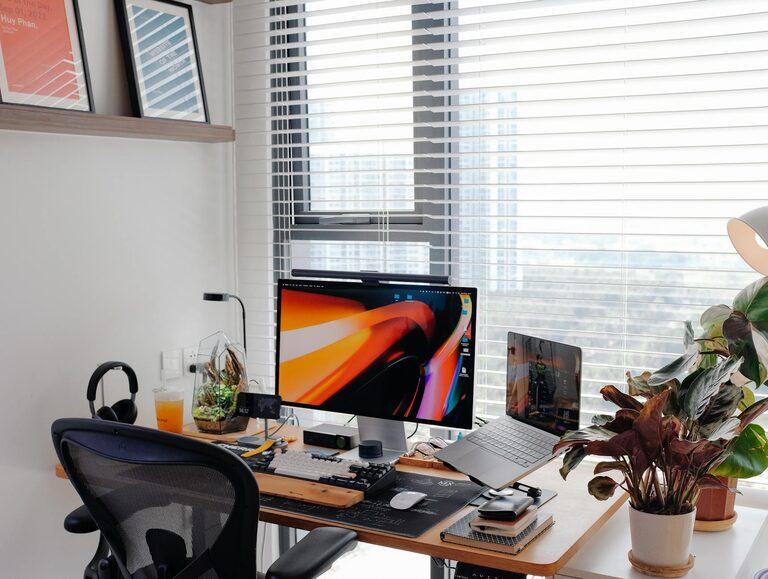
Natural light improves mood and productivity. Position your desk near a window to take advantage of daylight. Avoid glare on your computer screen by placing your desk at an angle to the window.
Invest in Comfortable Furniture
Ergonomic Chair
A comfortable, supportive chair is essential for long hours of work. Look for one with adjustable height, lumbar support, and enough padding to keep you comfortable.
Desk That Fits Your Needs
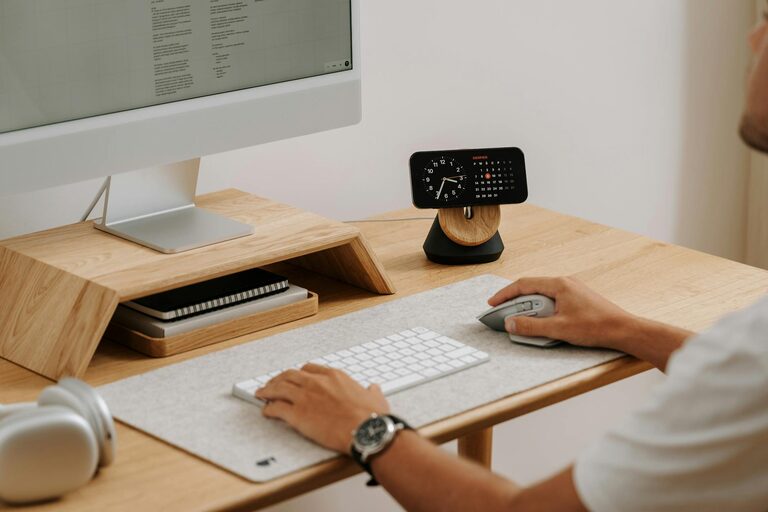
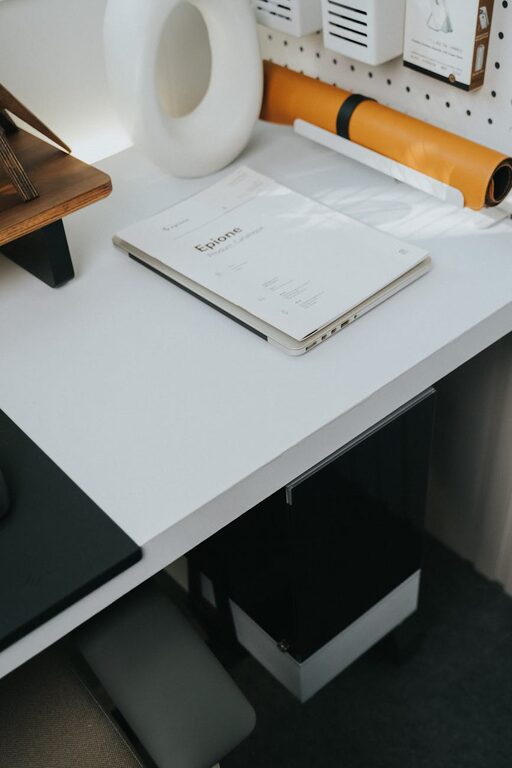
Choose a desk that fits well into your space and fits your work style. Consider the size you need for your computer, paperwork, and other essentials.
Organize Efficiently
Use Storage Solutions
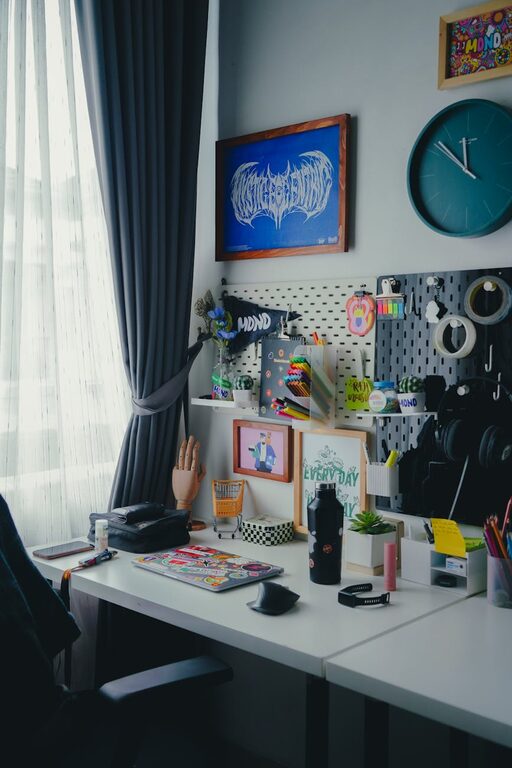
Keep clutter at bay with smart storage. Shelves, filing cabinets, and desk organizers help maintain a tidy workspace and make it easier to find what you need.
Cable Management
Messy cords can distract and reduce workspace efficiency. Use cable clips, sleeves, or boxes to keep cords organized and out of sight.
Create a Cozy Atmosphere
Add Personal Touches
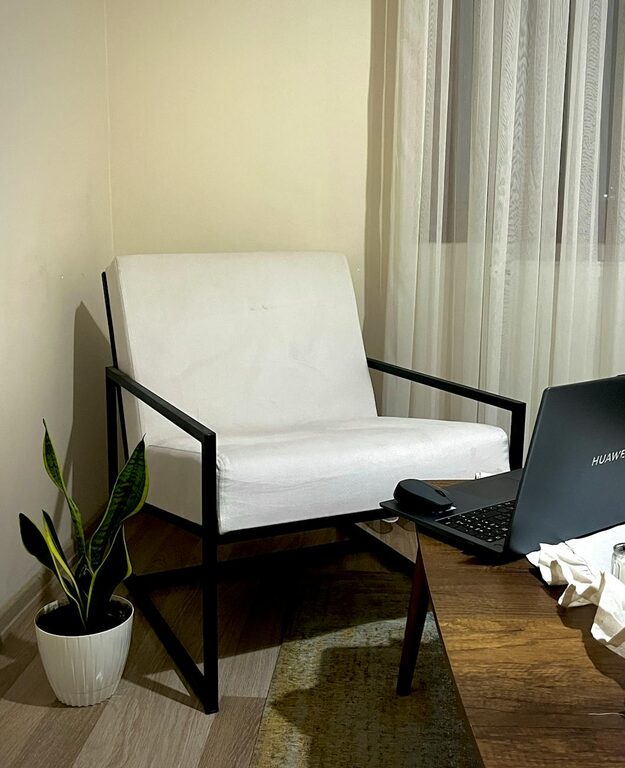
Incorporate items that make the space feel welcoming, like photos, plants, or artwork. This helps create an environment where you enjoy spending time.
Soft Lighting
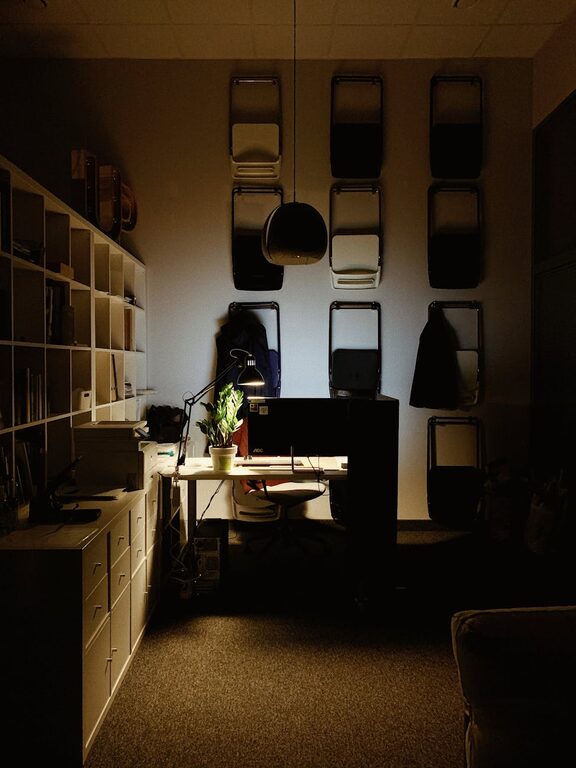
In addition to natural light, include warm, adjustable lighting options like desk lamps or floor lamps. Avoid harsh overhead lights that can cause eye strain.
Comfortable Textiles
Add a rug, cushions, or a cozy blanket to soften the space and add warmth.
Enhance Productivity
Declutter Regularly
Keep your desk clean and limit items to essentials. A clutter-free area reduces stress and helps maintain focus.
Use a Whiteboard or Planner
Visual aids like a whiteboard, calendar, or planner can help you keep track of tasks and deadlines.
Minimize Distractions
Keep your phone on silent or in another room if possible. Use noise-cancelling headphones or background music to stay focused when needed.
Improve Air Quality and Comfort
Ventilation
A well-ventilated room keeps air fresh and helps you stay alert. Open windows or use a fan to promote airflow.
Plants for Freshness
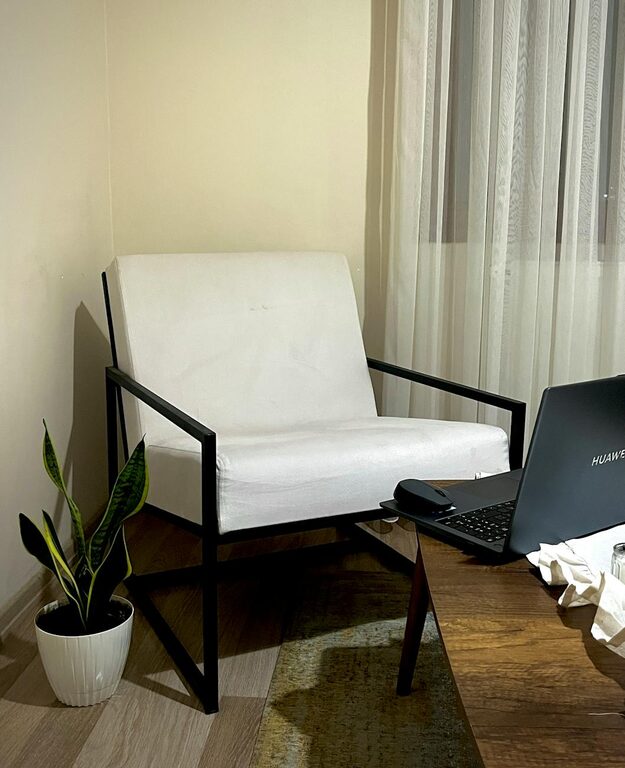
Indoor plants not only improve air quality but also create a calming atmosphere, which can boost productivity.
Technology Setup
Reliable Internet Connection
Ensure your internet connection is fast and stable, especially if you rely on video calls or cloud-based work.
Quality Equipment
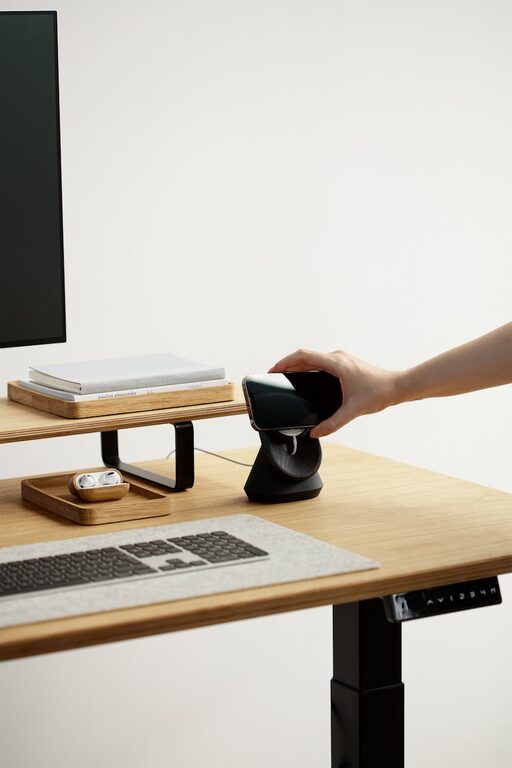
Invest in a good monitor, keyboard, and mouse to reduce eye strain and improve efficiency. Consider accessories like a webcam and microphone for clear communication.
Final Thoughts
Creating a cozy and functional home office takes some planning and effort, but the results can transform your daily work experience. By choosing the right location, investing in comfortable furniture, staying organized, and personalizing your space, you can build a home office that supports your productivity while making work enjoyable and comfortable. Start small, and adjust your setup as you discover what works best for your routines and preferences.