

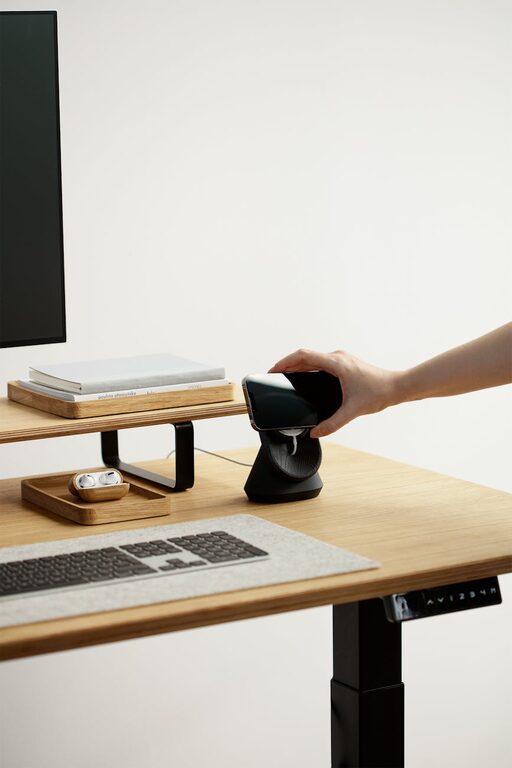
Tips for Creating a Comfortable and Productive Home Workspace
Creating a comfortable and productive home workspace is essential in today’s world, where many people spend a significant amount of time working remotely. The right setup can improve focus, reduce discomfort, and encourage a healthy work-life balance. Whether you have a dedicated room or just a small corner, here are practical tips to help you design a space that supports your best work.
Choose the Right Location
Selecting the best spot in your home is the first step. Ideally, find a quiet area with minimal distractions. Here are some tips:
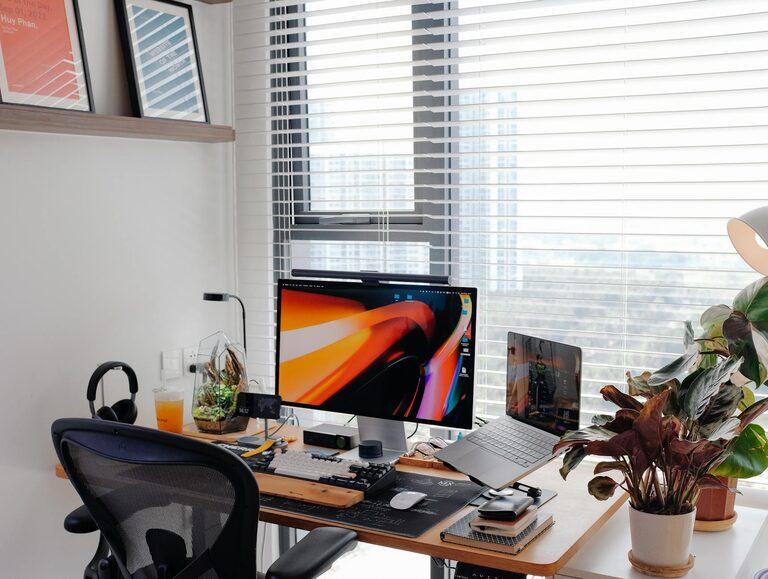
– Natural Light: Position your desk near a window. Natural light improves mood and productivity.
– Away from High Traffic: Avoid spaces near doors or kitchens where interruptions are frequent.
– Ventilation: A well-ventilated area keeps the air fresh and helps maintain focus.
Invest in Ergonomic Furniture
Comfort is key to preventing strain and fatigue during long work hours.
– Ergonomic Chair: Choose a chair with adjustable height, good lumbar support, and comfortable padding.
– Desk Height: Your desk should allow your elbows to rest at a 90-degree angle when typing.
– Foot Support: If your feet don’t touch the ground, consider a footrest to maintain good posture.
Organize Your Workspace
An organized workstation reduces distractions and streamlines your workflow.
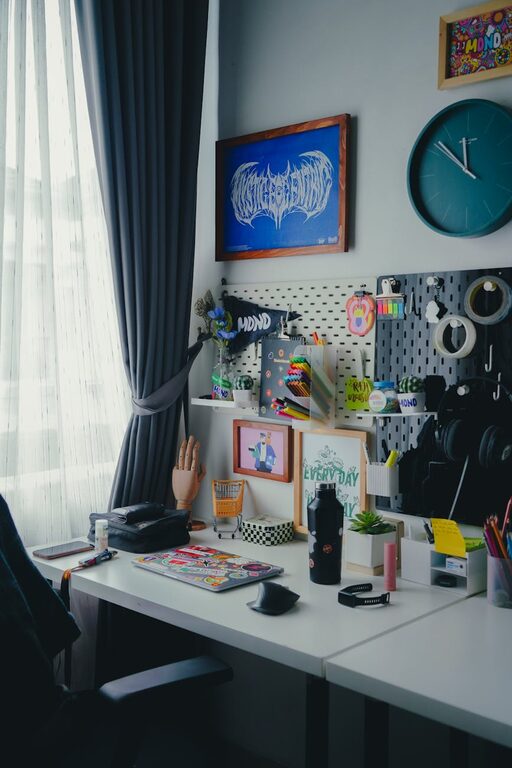
– Declutter Regularly: Keep only the essentials on your desk.
– Storage Solutions: Use shelves, drawers, or filing cabinets to keep papers and supplies neat.
– Cable Management: Use clips or sleeves to avoid tangled cords and maintain a clean look.
Optimize Lighting
Good lighting reduces eye strain and enhances focus.
– Task Lighting: Add a desk lamp with adjustable brightness for detailed work.
– Balanced Lighting: Combine natural light with soft ambient lights to create an inviting atmosphere.
– Avoid Glare: Position screens to minimize reflection from windows or lamps.
Personalize Your Space
Adding personal touches can make your workspace more inviting and motivating.
– Plants: Indoor plants improve air quality and add a calming element.
– Artwork and Photos: Choose items that inspire or bring positive feelings.
– Color Scheme: Use colors that promote concentration, such as blues or greens.
Create Boundaries
Maintaining clear boundaries helps separate work from personal life.
– Dedicated Workspace: Use your workspace only for work tasks.
– Work Hours: Set regular work hours and communicate them with others at home.
– End-of-Day Ritual: Develop a routine to signal when work is done, such as shutting down your computer and tidying up.
Incorporate Technology Wisely
Having the right tools can boost efficiency.
– Reliable Internet: Ensure a stable and fast internet connection.
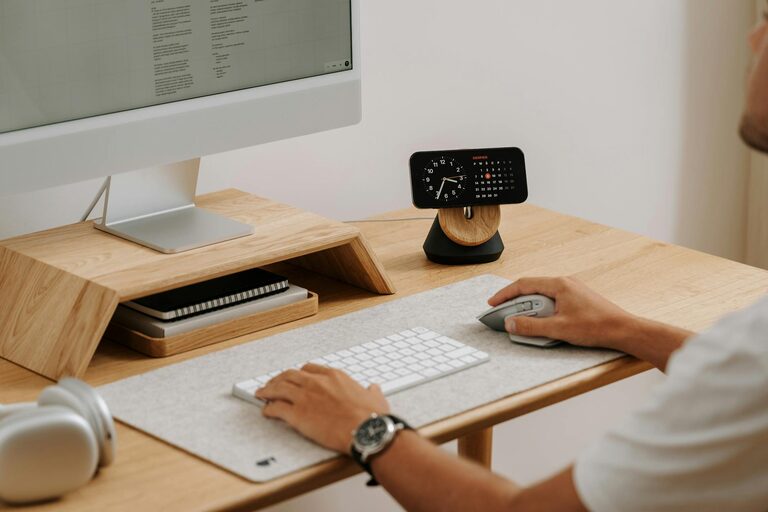
– Quality Equipment: Invest in a good monitor, keyboard, and mouse to reduce strain.
– Noise Control: Use noise-cancelling headphones if your environment is noisy.
Take Regular Breaks
Sitting for long periods can cause discomfort and reduce productivity.
– Follow the 20-20-20 Rule: Every 20 minutes, look at something 20 feet away for at least 20 seconds.
– Move Around: Stand, stretch, or take a short walk to refresh your body and mind.
– Stay Hydrated: Keep a water bottle nearby and drink regularly.
Maintain Cleanliness
A clean workspace improves mental clarity and reduces stress.
– Daily Tidy-Up: Spend a few minutes at the end of each day organizing your desk.
– Deep Clean Weekly: Dust surfaces and clean your keyboard and mouse to keep the area hygienic.
Final Thoughts
Designing a home workspace that is both comfortable and productive doesn’t require a large budget or space. Thoughtful choices about location, furniture, organization, and habits can make a significant difference in how you work and feel throughout the day. Take small steps to personalize your area and establish routines that support your productivity and well-being. Your home workspace should be a place where you can focus, create, and enjoy your work.