


Tips for Organizing a Clutter-Free Workspace to Boost Productivity and Creativity
Creating a clutter-free workspace is more than just tidying up; it’s about designing an environment that fosters focus, creativity, and efficiency. Whether you work from home or in an office, organizing your desk and surroundings can have a significant impact on how productive and inspired you feel throughout the day. In this post, we’ll explore practical tips to help you organize a workspace that supports your best work.
Why a Clutter-Free Workspace Matters
Before diving into the tips, it’s worth understanding why a clean and organized workspace matters. Clutter can lead to distractions, increase stress, and reduce your ability to focus. When your space is orderly, your mind feels clearer, which helps you think creatively and work more effectively.
Step 1: Clear Everything and Start Fresh
The first step to a clutter-free workspace is to clear everything off your desk and shelves. This might feel overwhelming at first, but it’s an essential part of the process. Sort items into categories:
– Keep: Things you use daily or weekly.
– Store: Items you need but use infrequently.
– Discard or Donate: Things you no longer need.
Once you’ve sorted, clean your desk and surfaces thoroughly before putting anything back.
Step 2: Organize Essential Items
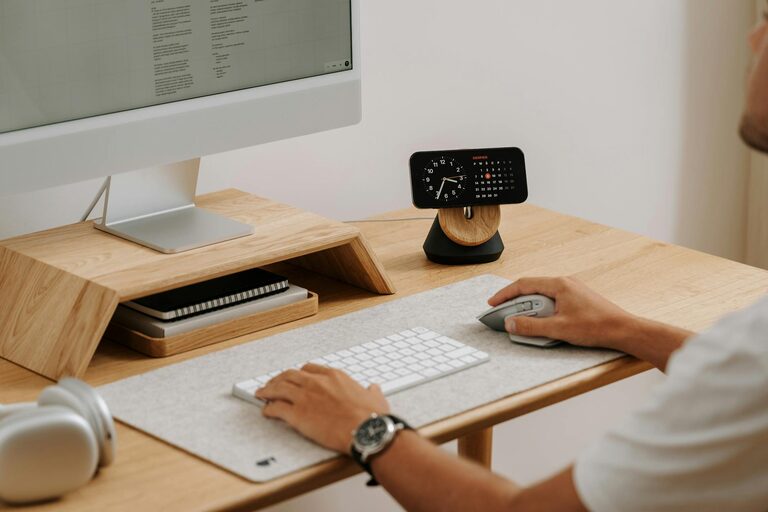
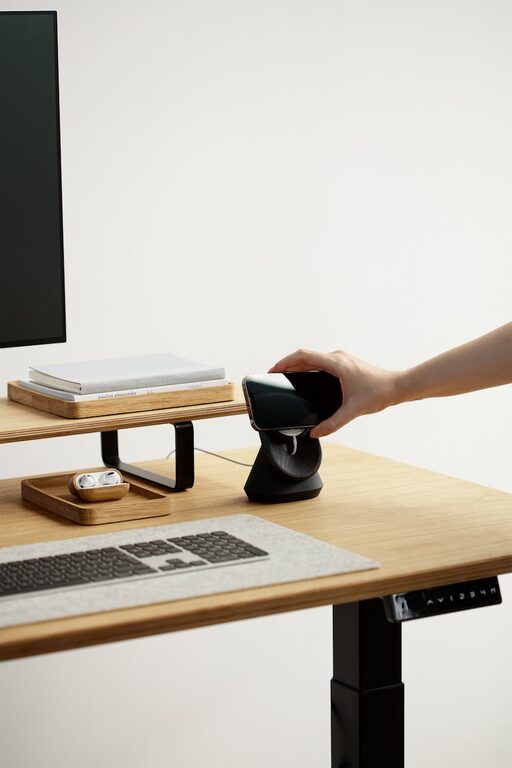
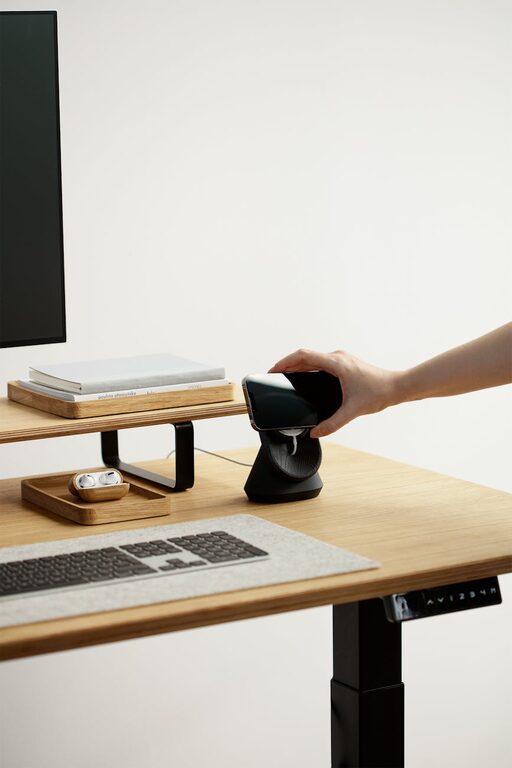
Only keep on your desk what you truly need for daily tasks to avoid unnecessary clutter.
Desk Essentials Might Include:
– Computer or laptop
– Notepad or planner
– Pen holder
– Phone or communication device
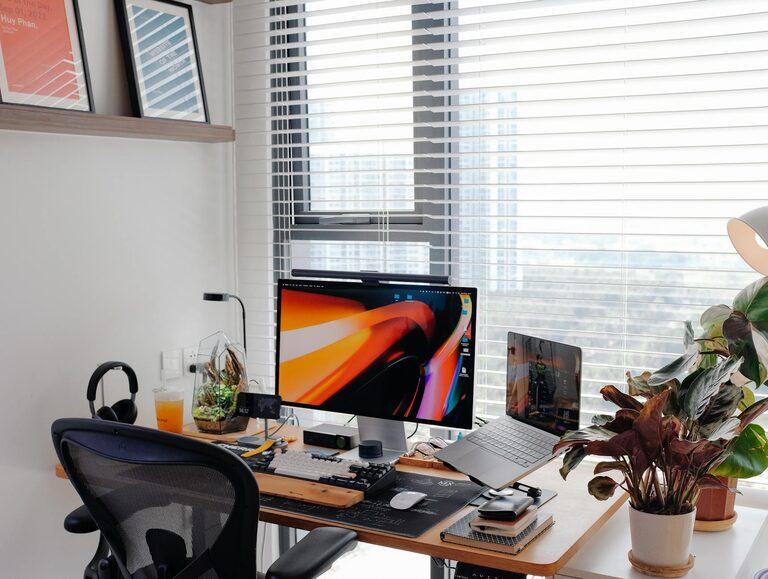
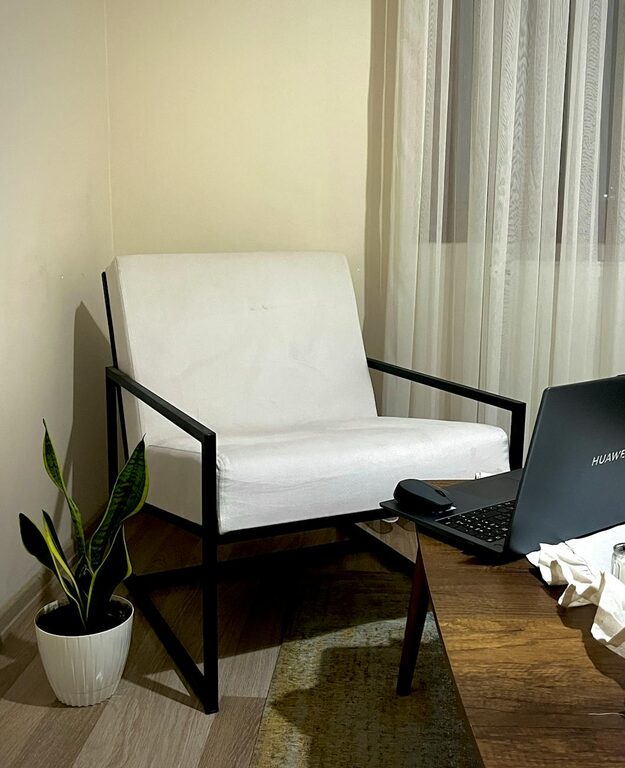
– A small personal item, like a photo or plant, for inspiration
Store other office supplies like extra pens, paper clips, or chargers in drawers or organizers out of sight.
Step 3: Use Storage Solutions
Good storage is key to maintaining organization. When everything has a place, it’s easier to keep your workspace tidy.
Storage Tips:
– Drawer organizers help separate small items.
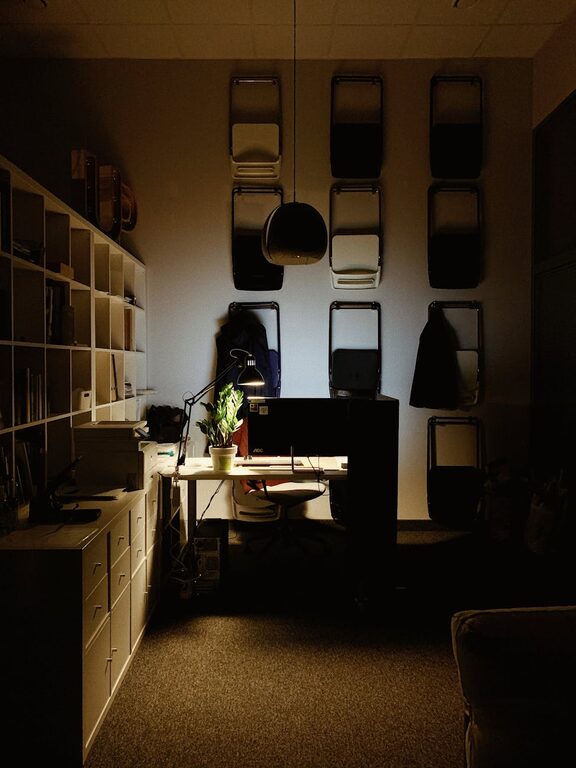
– Shelves keep books or binders neat and accessible.
– Filing systems maintain important documents.
– Cable organizers prevent cords from tangling.
Consider transparent containers or containers labeled for quick identification.
Step 4: Minimize Paper Clutter
Paper often contributes heavily to workspace mess. Reduce paper piles by:
– Using digital note apps or planners.
– Scanning important documents and saving them digitally.
– Setting a regular schedule to review and recycle old papers.
– Keeping an in/out tray to manage paperwork systematically.
Step 5: Create Zones for Different Activities
If your work involves multiple types of tasks (e.g., computer work, writing, phone calls), organize your space into zones.
How to Set Up Zones:
– Work Zone: Main desk area with computer and notepad.
– Reference Zone: Nearby shelves or filing cabinets with books and files.
– Creative Zone: A separate area for brainstorming or sketching with art supplies.
– Tech Zone: A spot for charging devices and storing cables.
This division helps keep things organized and your workflow smooth.
Step 6: Maintain Daily Habits for Cleanliness
Keeping your workspace clutter-free requires consistent effort. Try making these habits part of your daily routine:
– Spend 5 minutes at the end of each day clearing your desk.
– Put items back in their designated places immediately after use.
– Avoid piling up unopened mail or paperwork.
– Regularly wipe down surfaces to keep everything fresh.
Step 7: Personalize without Overcrowding
A workspace should feel welcoming and reflect your personality but avoid overcrowding it. Choose a few personal touches like:
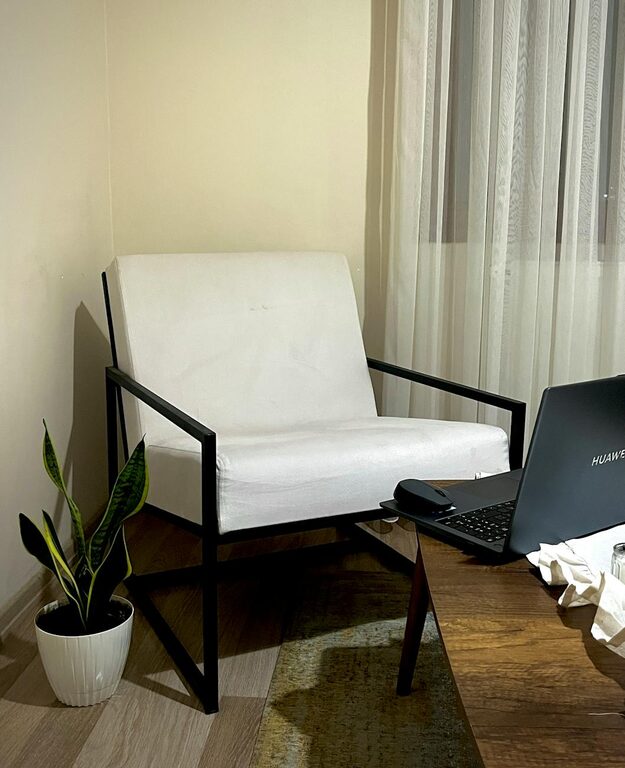
– A small plant to brighten the space and improve air quality.
– A motivational quote or artwork.
– A favorite mug or desk accessory.
Keep these items limited so they don’t become distractions.
Step 8: Optimize Lighting and Ergonomics
Good organization isn’t only about tidiness but also about comfort and functionality.
– Position your desk near natural light when possible.
– Use adjustable lamps for task lighting.
– Invest in an ergonomic chair and desk setup.
– Keep frequently used items within easy reach to reduce strain.
A well-lit, comfortable workspace boosts both productivity and creativity.
Bonus Tips
– Digital Declutter: Organize your computer desktop and files to match your physical tidiness.
– Regularly Reassess: Every few months, review your workspace setup and declutter again if needed.
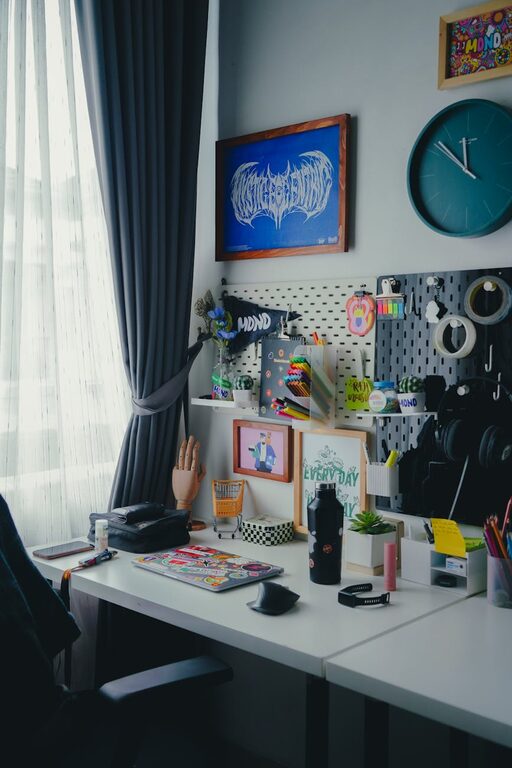
– Use Vertical Space: Wall organizers or pegboards can save desk space and keep essentials visible.
Conclusion
Organizing a clutter-free workspace is a simple yet powerful way to enhance your productivity and creativity. By clearing out unnecessary items, using smart storage, and establishing daily maintenance habits, you can create an environment that helps you focus better and feel inspired. Start small, stay consistent, and enjoy the benefits of a clean, inviting workspace!